
When it comes to cleaning the exterior of your computer, there are not a lot of options. You can purchase special wipes that will do the job, or I’ve heard of using rubbing alcohol. But why waste your money or risk damaging your computer when a soft, lint free cloth and a little water will do the trick?
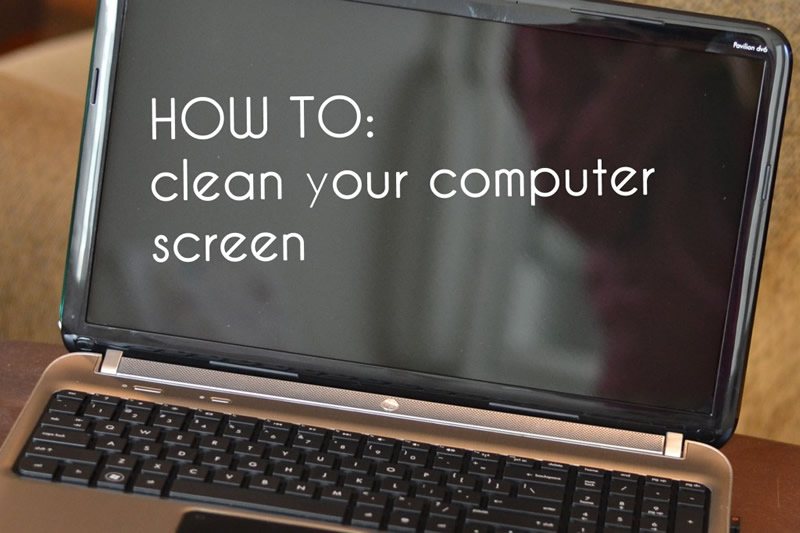
First thing you will want to do is turn off your computer. Grab a soft, lint free cloth for the screen and a few cotton swabs for the keyboard.

Dab a small part of your cloth in water and squeeze it, getting rid of excess water.

Then gently wipe the screen clean. Once the smudges and fingerprints are gone, use the dry part of the cloth to wipe any moisture off.

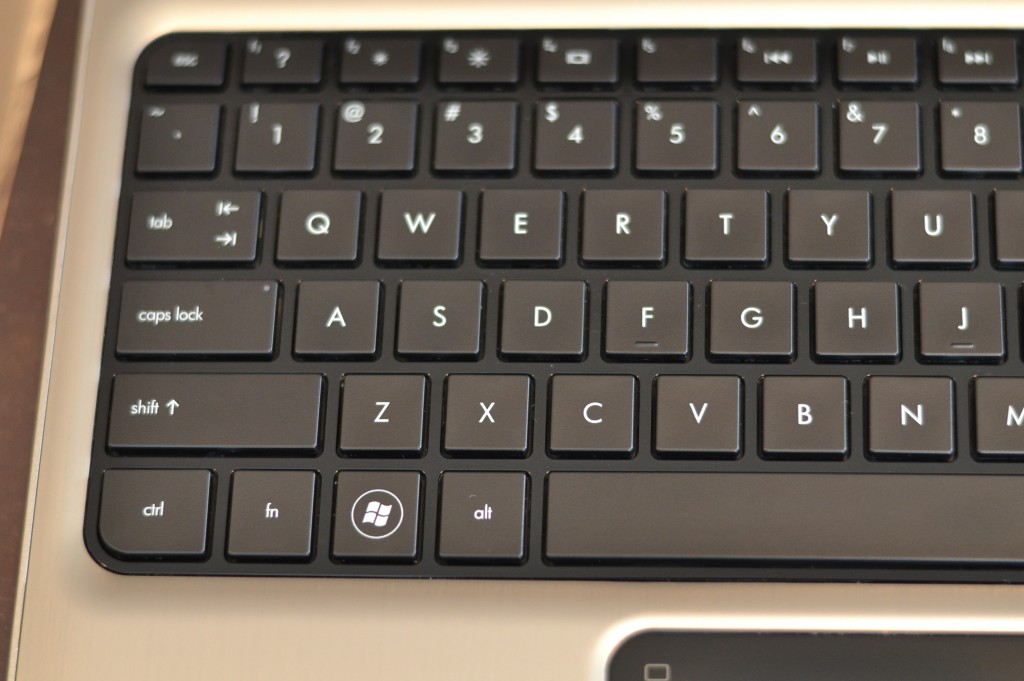
To get rid of dust build up in between keys, moisten a cotton swab with water, squeeze out the excess moisture and run it alongside the keys. This may take several swabs!

I then like to take the damp part of my cloth and run it over the keys, gently pressing down across them. And then repeating with the dry part of the cloth.
Such a simple task to keep your computer in tip top shape! My screen won’t be getting that dirty ever again!

See this trick how to clean glass without Windex.
